Interface purpose
Identify whether a port is intended for inverter communication, service, monitoring or parallel battery links.
VERIFYPort function by modelCommunication · BMS · inverter integration
A matching CAN or RS485 connector is only the beginning. Protocol, pinout, addressing, firmware and control responsibility must also match.
Buying question
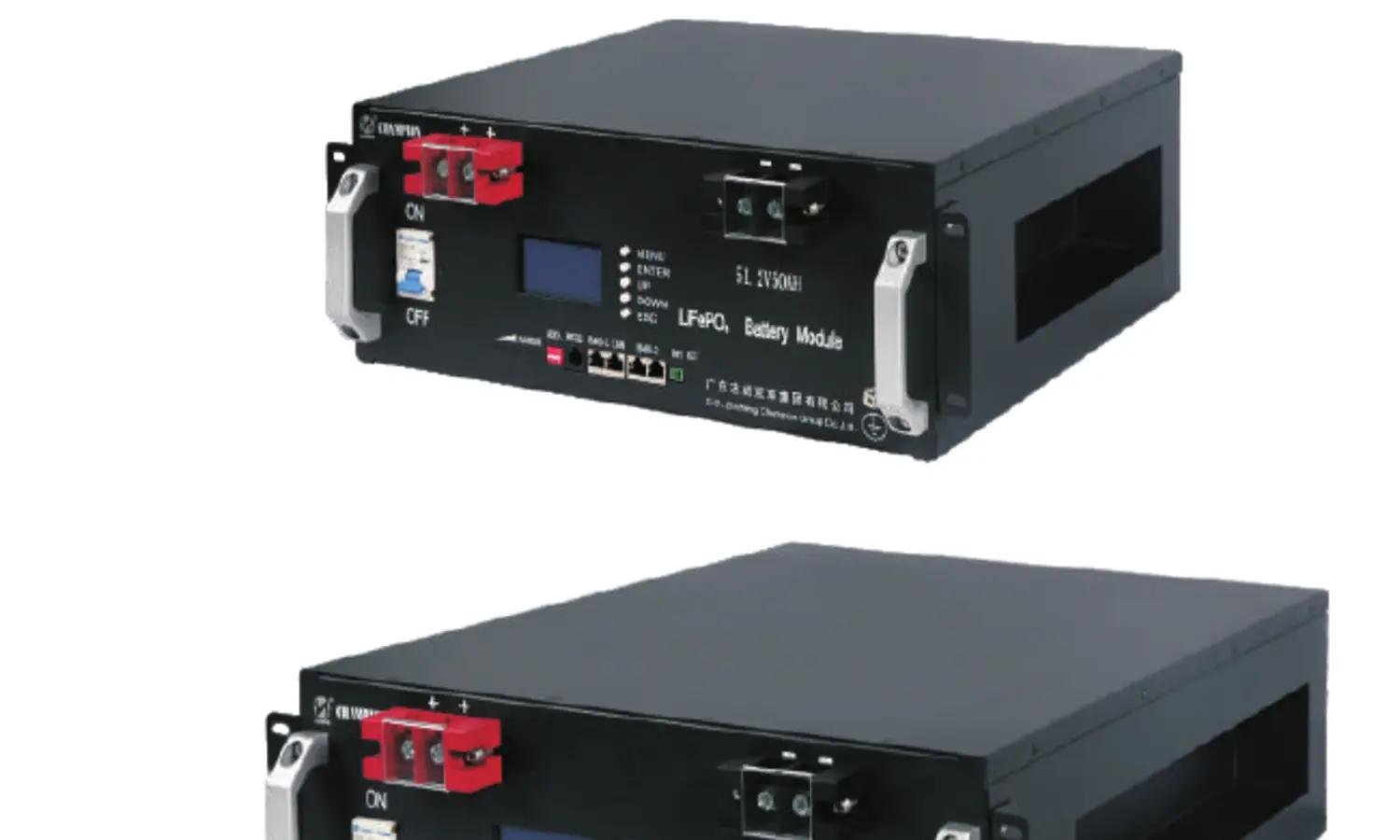
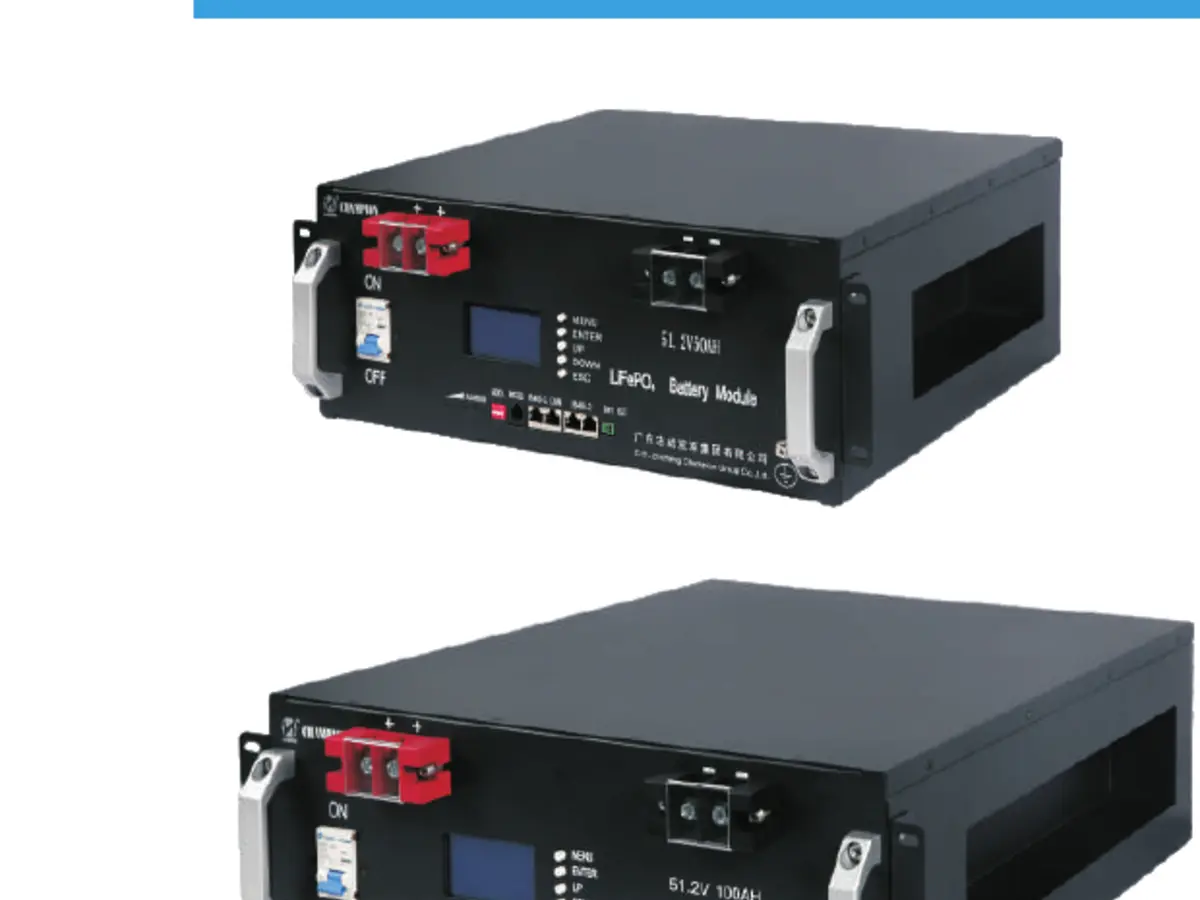
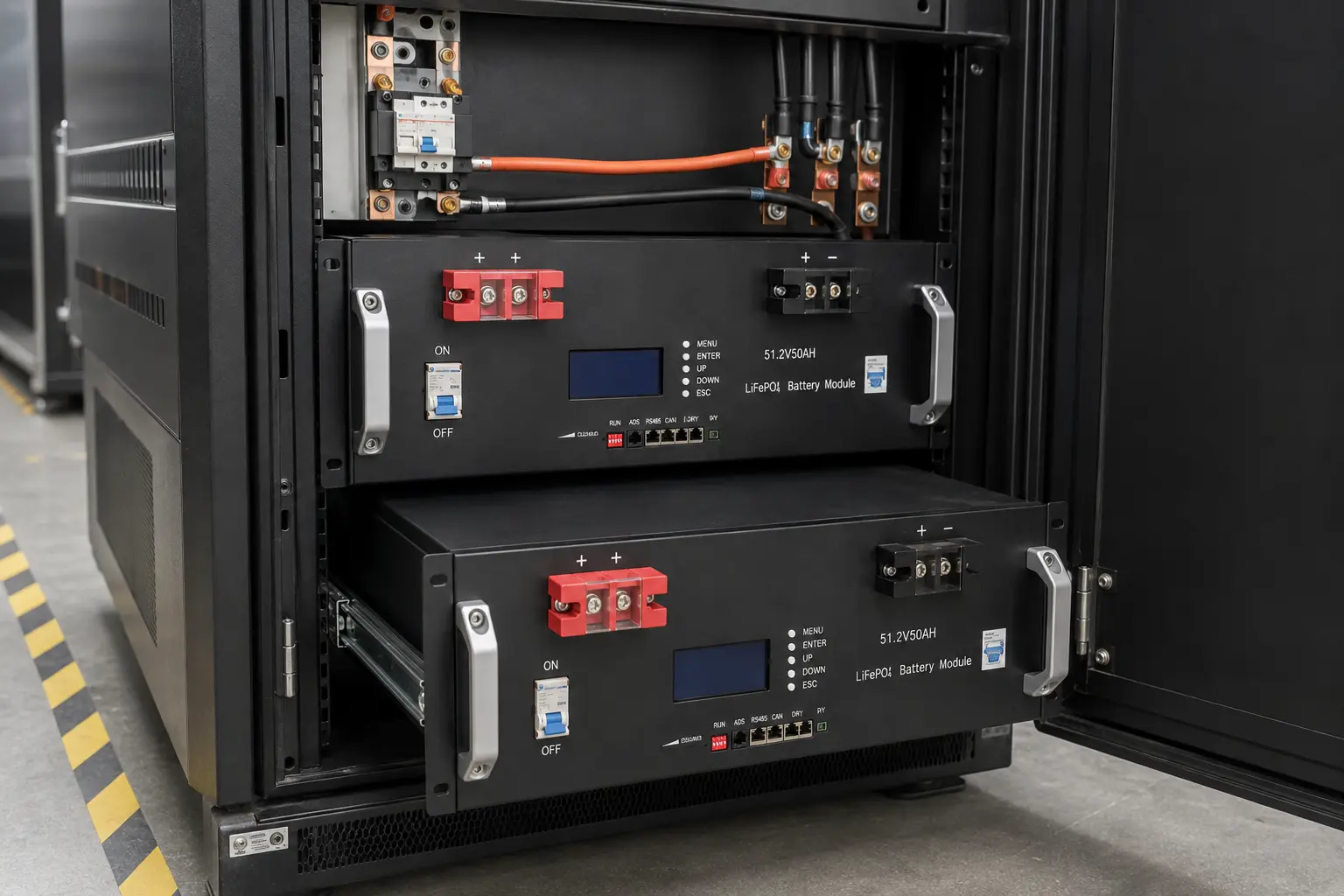
The catalogue lists USB, RS232, RS485 and CAN for the rackmount family and identifies a built-in BMS. It does not make every inverter automatically compatible. Communication requires the correct physical interface, pinout, message protocol, baud rate, device addressing and supported firmware.
See the decision in the equipment.
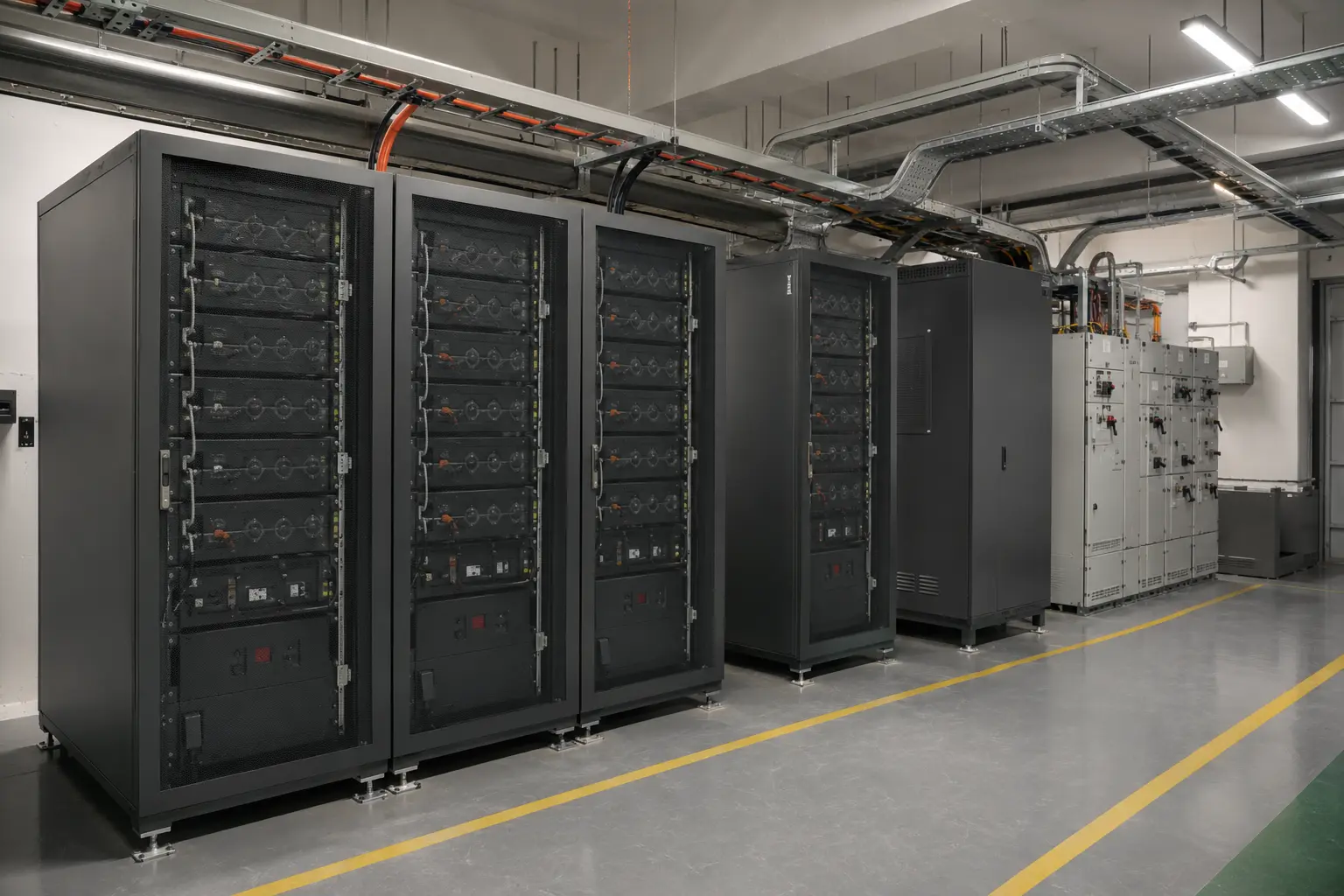
A correct battery choice must work at all three levels. Use the product page for ratings, the interface guide for communication, and the installation information for rack, protection and service access.
Selection framework
Use each checkpoint before treating a catalogue option as a project-ready battery choice.
Identify whether a port is intended for inverter communication, service, monitoring or parallel battery links.
VERIFYPort function by modelConfirm connector type, pin assignment, termination and cable requirements.
VERIFYCurrent wiring diagramMatch CAN messages or RS485 registers, baud rate and data format—not just the port name.
VERIFYProtocol document revisionDefine master/slave role, battery addresses and settings for multiple modules.
VERIFYParallel communication planClarify which device sets charge current, voltage limits, alarms and shutdown behaviour.
VERIFYBMS–inverter control boundaryTest live data, alarms, limits, loss of communication and safe fallback behaviour.
VERIFYAcceptance checklistAvoid a wrong purchase
The most expensive error is assuming one matching label proves the complete electrical, communication and installation fit.
Application context
Application names are starting points. Load, runtime, inverter, protection and installation conditions determine the final configuration.
Closed-loop voltage, current limits, SOC, alarms and shutdown behaviour require protocol alignment.
Remote alarms, status reporting and unattended recovery may be more important than inverter control.
Module addressing, master selection, current sharing and communication loss must be planned.
USB or RS232 may support local configuration or diagnostics; exact function requires model documents.
LiFePO4 product range
Technical FAQ
Answers are limited to the supplied catalogue and normal integration boundaries.
Yes. USB, RS232, RS485 and CAN are listed for the rackmount family.
No. The connector, pinout, message protocol, firmware and supported battery profile must match the exact inverter model.
The BMS provides battery-side monitoring and protection functions. Its exact protections, limits and external control behaviour require the model documentation.
Possibly, but the port function and topology must be confirmed. Do not assume an RS485-labelled port serves the same role on every product.
Send the inverter brand, exact model and firmware, battery model, required port, wiring information, number of parallel modules and intended control functions.
LiFePO4 rackmount RFQ
Your inquiry will automatically include this source page and the LiFePO4 Rackmount product family.